A Beginner-Friendly Coding Platform
mBlock is a block-based and text-based programming platform designed for students, educators, and makers. It is built on Scratch 3.0, but goes beyond it by supporting hardware programming, AI, and Python. It’s perfect for beginners who want to create interactive stories, games, and control robots or sensors.
—
🧠 Key Features of mBlock
🔷 1. Block-Based Programming
Uses drag-and-drop blocks (based on Scratch 3.0).
Ideal for beginners who want to learn programming logic without typing code.
💻 2. Python Coding
Switch easily from blocks to Python with one click.
Great for learning real-world coding skills after mastering blocks.
🤖 3. Hardware Integration
Program Arduino, mBot, micro:bit, Ranger, and more.
Real-world robotics and electronics made simple.
🤖 Supported Devices:
Device Supported?
mBot ✅
mBot Neo ✅
Arduino Uno ✅
micro:bit ✅
Halocode ✅
🧪 4. AI and IoT Modules
Create AI-powered projects with speech recognition, image recognition, and natural language processing.
Simulate Internet of Things (IoT) projects like smart homes.
🕹️ 5. Game and Animation Design
Create your own 2D games, animations, and interactive stories.
Use sprites, costumes, backdrops, and sound effects.
🌐 6. Cross-platform
Works on Windows, macOS, Chromebooks, and Web (browser).
Also available on mobile (mBlock app on Android/iOS for basic use).
—
📥 How to Get Started
1. Go to https://www.mblock.cc
2. Download mBlock for your device or use the web version.
3. Sign up for a free account (optional but helpful to save projects).
4. Start creating!
🧑🏫 Who Can Use mBlock?
Group Benefit
Students Learn to code while building real-world projects
Teachers Use ready-made lesson plans and classroom management tools
Makers Connect hardware and create robotics, automation, or IoT applications
Beginners Start with blocks, then move into Python coding
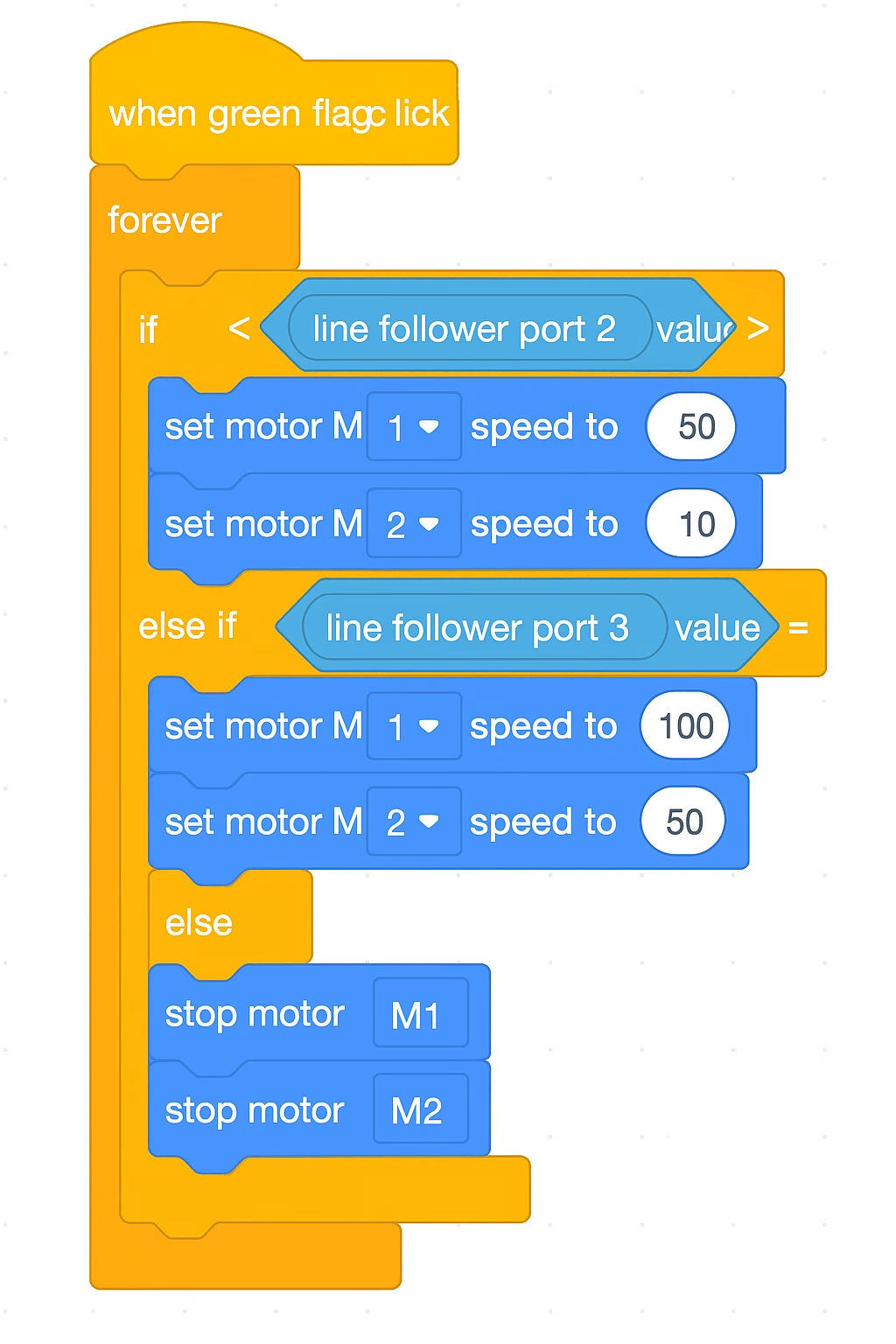
📚 Example Projects You Can Build with mBlock Project Name Description Smart Trash Bin Detects when trash is full using sensors Line-Following Robot Follows a black line using IR sensors
AI Face Recognition Uses webcam to identify faces
Weather Station Connects sensors to track temperature & humidity
Talking Robot Head Uses LEDs and sound sensors for interaction
🎓 Educational Benefits
Develops logical thinking
Teaches problem-solving
Encourages creativity and experimentation
Bridges software and hardware understanding
Prepares students for STEM careers
🧩 mBlock vs Scratch Feature
Scratch mBlock
Hardware Control ❌ Not Supported ✅ Fully Supported
Python Coding ❌ No ✅ Yes (Switch anytime)
AI Features ❌ No
✅ Built-in modules
Robotics Support ❌ No ✅ mBot, Arduino, micro:bit
Educational Tools
✅ Basic
✅ Advanced (STEAM education)