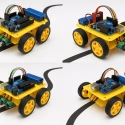
Here’s a simple and complete example project using mBlock (based on Scratch) for beginners. This project makes a robot follow a line using IR sensors—a common and fun way to learn robotics with mBlock!
🔧 Hardware Needed:
- mBot or mCore board
- 2 IR Line Follower Sensors (included in mBot)
- 2 Motors (left and right wheels)
- USB Cable or Bluetooth connection
- Power supply (batteries or USB)
🎯 Goal:
Make the robot detect and follow a black line on a white surface using mBlock (Scratch-based visual coding).
🧠 How it Works:
- The IR sensors detect the black line.
- If the left sensor sees black → turn left.
- If the right sensor sees black → turn right.
- If both sensors see white → go forward.

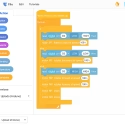
🧱 mBlock Code (Blocks):
✅ Step-by-step Code Blocks:
when green flag clicked
forever
    if (IR sensor left = black) and (IR sensor right = white)
        turn left (left motor slow, right motor fast)
    else if (IR sensor left = white) and (IR sensor right = black)
        turn right (left motor fast, right motor slow)
    else if (IR sensor left = black) and (IR sensor right = black)
        move forward (both motors fast)
    else
        stop (both motors stop)
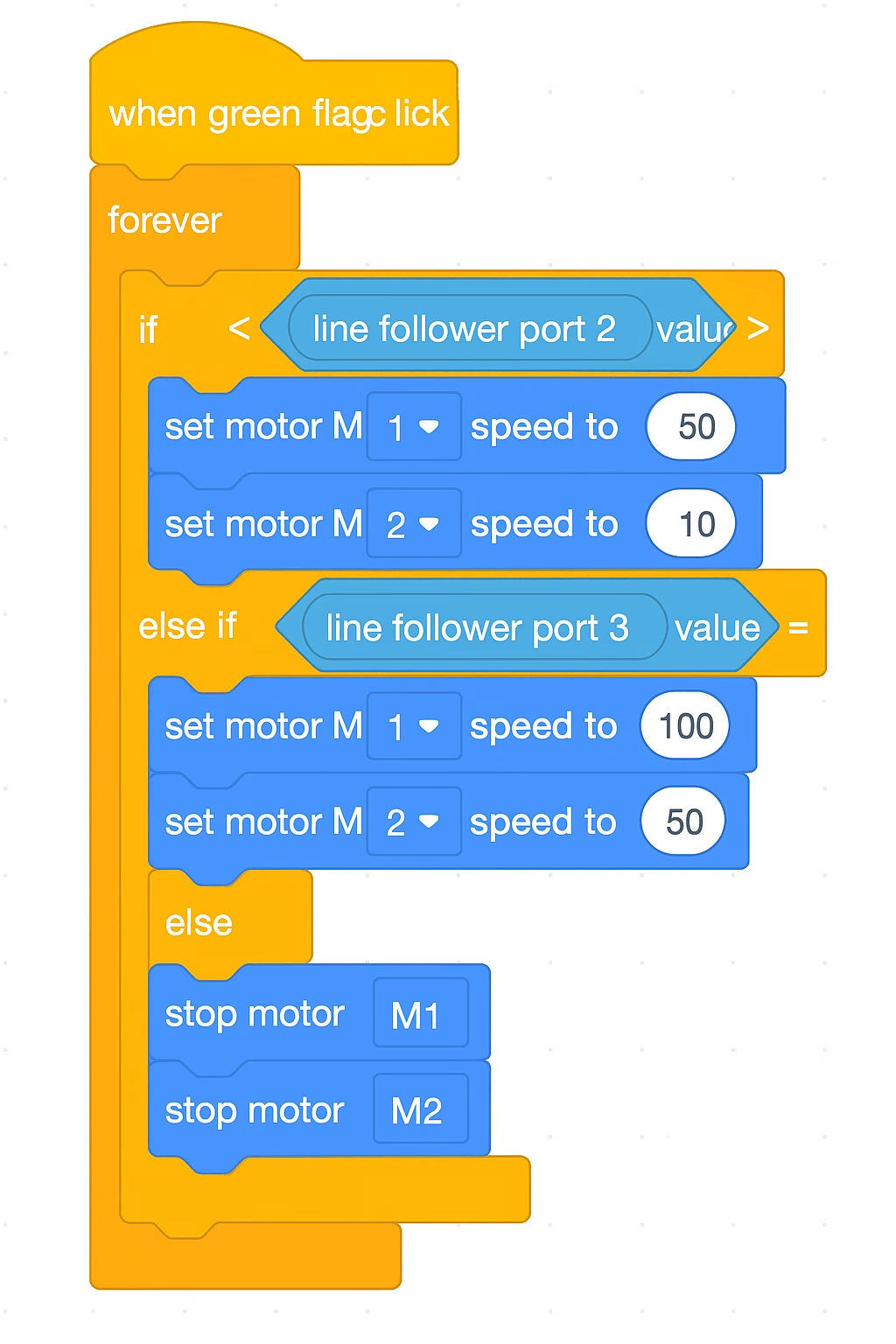
📌 In mBlock (blocks):
when [Green Flag] clicked
forever
    if <(line follower port 2 value = 1)> and <(line follower port 3 value = 0)> then
        set motor M1 speed to 50
        set motor M2 speed to 100
    else if <(line follower port 2 value = 0)> and <(line follower port 3 value = 1)> then
        set motor M1 speed to 100
        set motor M2 speed to 50
    else if <(line follower port 2 value = 1)> and <(line follower port 3 value = 1)> then
        set motor M1 speed to 100
        set motor M2 speed to 100
    else
        stop motor M1
        stop motor M2
🖼️ Circuit Diagram:
The IR line follower module is usually connected to Port 2 on the mBot. Motors are connected internally.

✅ Tips:
- Place the robot on a black line with white background (e.g. electrical tape on paper).
- Adjust speed values if it’s turning too slow or too fast.
🧪 Experiment Ideas:
- Try making it follow curves.
- Add buzzer sound when it goes off the line.
- Display IR sensor values on the screen.